

If a solar garden light is not working, first define the symptom and check safety, the documented switch or mode, recent solar access and nearby night lighting. Do not start by replacing the battery. A dusk-to-dawn light sensor and a motion sensor are different functions; only attribute PIR, remote control or reset behaviour to a model whose current manual confirms it.
Stop when the condition is unsafe
Stop using the product and contact support if you see abnormal heat, swelling, leakage, damaged wiring or serious enclosure damage. Do not open a battery pack. Leave high-mounted lights, work near electrical equipment and checks requiring dismantling to appropriate maintenance personnel.
Keep people away from a visibly damaged unit and follow the supplier’s and site operator’s handling instructions. Water around the base, unstable mounting, storm damage or a leaning pole can make even an external check unsafe. Troubleshooting begins only after access and the surroundings are judged suitable; finding a cause is less important than avoiding an unsafe inspection.
Identify the symptom
Record whether the light is new, previously worked, fails alone or with other lights, comes on during the day, remains off at night, or switches off early. Add the model label, date, weather and recent site changes. Another light working nearby does not prove this unit’s battery has failed.
Build a short timeline. Note the last known normal night, the first observed failure and anything that changed between them: relocation, pruning, cleaning, construction, new nearby lighting, a mode adjustment or unusual weather. Record exact observation times instead of “later” or “soon.” This often separates a control or charging pattern from an intermittent fault before any service work is considered.
| Observation | Example entry |
|---|---|
| Unit identity | Model, version, label photo and site ID |
| Symptom | Off all night / on by day / early shutoff / intermittent |
| Comparison | Same model and mode? Same shade and exposure? |
| Timeline | Last normal, first abnormal and site changes |
| Safety | No visible damage / stop condition found |
Check documented setup and external conditions
Use the exact manual to confirm the switch and initial setup. Do not invent a universal long-press, reset or charging time. Check obvious panel shade or dirt and whether nearby lighting may affect dusk sensing. A safe, manual-approved shade check can indicate that light control responds; it does not validate battery health or panel output.
Follow a fixed external-check order so one change does not hide another:
- Confirm the complete model and applicable manual.
- Inspect the outside for damage and confirm safe access.
- Verify only the documented switch, mode and initial setup.
- Record panel shade, surface contamination and recent daytime conditions.
- Note nearby lamps, illuminated signs or reflections around the light-control area.
- Observe the next operating period before changing another variable.
Do not clean, relocate, reset and change the mode all at once. If the light then works, the actual cause will remain unknown.
Follow the matching branch
| Symptom | External checks | Escalate when |
|---|---|---|
| New light stays off | Model, switch, setup and charging conditions | Manual steps do not resolve it |
| Off at night | Shade/dirt, switch, nearby light, visible damage | Diagnosis needs opening or electrical access |
| On during day | Obstruction/lighting around the sensor and manual | Behaviour remains abnormal |
| Switches off early | Charging conditions, mode and timed observations | Repeated under comparable conditions |
| One light differs | Compare model, position and settings | Damage or persistent unexplained difference |
For a new light that stays off, confirm shipment identity and model-specific activation before assuming damage. For a light that operates during the day, document the surrounding light and obstruction conditions; do not label every behaviour as a failed sensor. For early shutoff, collect timed observations across comparable nights and compare solar access and mode. When only one unit differs, verify that it is truly the same version and setting before using neighbouring products as a control.
These branches deliberately stop at external evidence. Battery voltage checks, internal connectors, sealed enclosures, elevated access and electrical diagnosis belong to authorised service procedures and appropriately qualified personnel.
When several lights change at the same time, look first for a shared external change: prolonged low-sun weather, new construction shade, changed landscaping, a newly installed night light or an operating instruction applied across the group. When only one light changes, compare its exact version, position, contamination and visible condition with the others. The pattern narrows the support question, but it still does not prove an internal component failure.
If the light stays on during the day
Start by confirming what the manufacturer says the unit should do in daylight. Some products have documented test or operating behaviours that differ from normal dusk-to-dawn operation. Identify the applicable mode before treating an illuminated lamp as a fault. Do not assume the visible button or sensor works the same way across different models.
From a safely accessible position, inspect whether leaves, dirt, packaging or another object obstruct the area used for daylight detection. On some products the panel participates in day/night detection; on others the sensing arrangement differs. Use the exact manual to locate it. Do not cover or uncover random parts while attributing the result to a particular sensor.
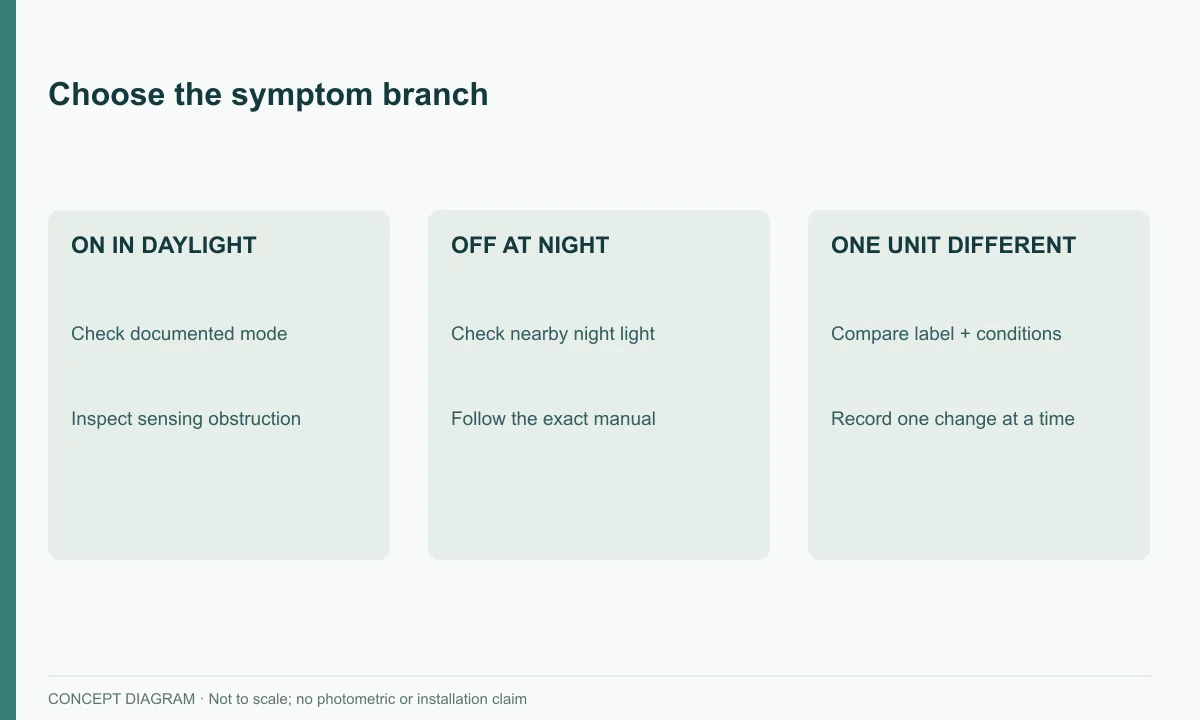
If the manual permits an external test, record the starting state, the single action taken and the observed response after the stated response period. Remove any temporary test covering afterward. If the behaviour remains unexplained, stop at the documented result and contact support. Daytime illumination alone does not identify whether the cause is a mode setting, obstruction, sensing fault or another internal issue.
If it will not turn on at night
Check the opposite light-control possibility: a nearby porch lamp, sign or other source may be keeping the sensing area bright. Record which surrounding lights are on when the solar light remains off. Where you control those lights and can change them safely, a manual-supported comparison may help identify whether the surrounding illumination is relevant.
The result still has limits. A response to darkness shows a control response under that test; it does not establish battery capacity, charging efficiency or all-night performance. If no response occurs, continue only with the external checks documented for the product. Repeated improvised resets can obscure the original symptom without resolving its cause.
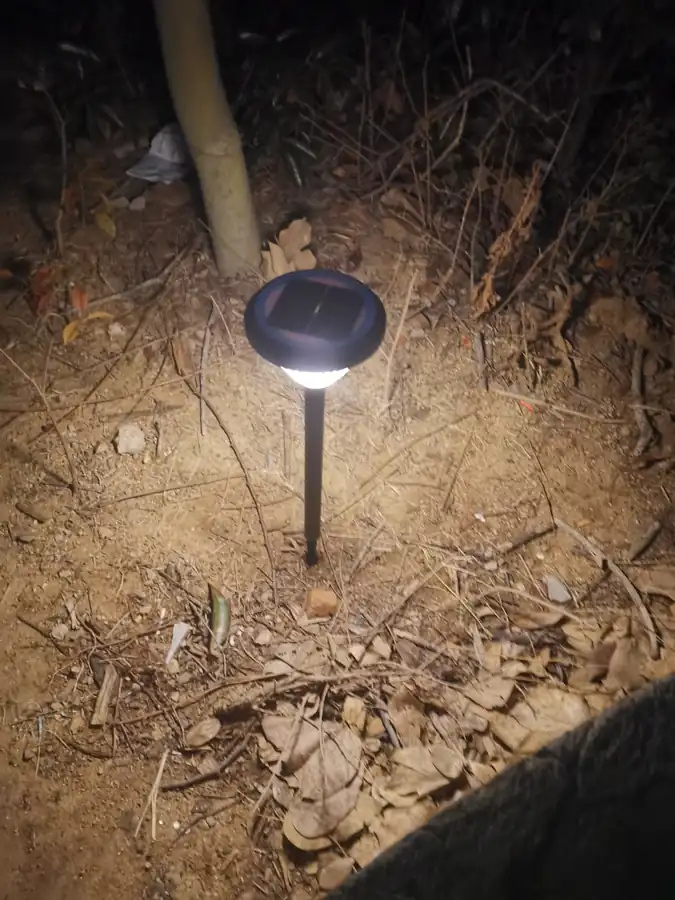
Example: one garden light fails while the others work
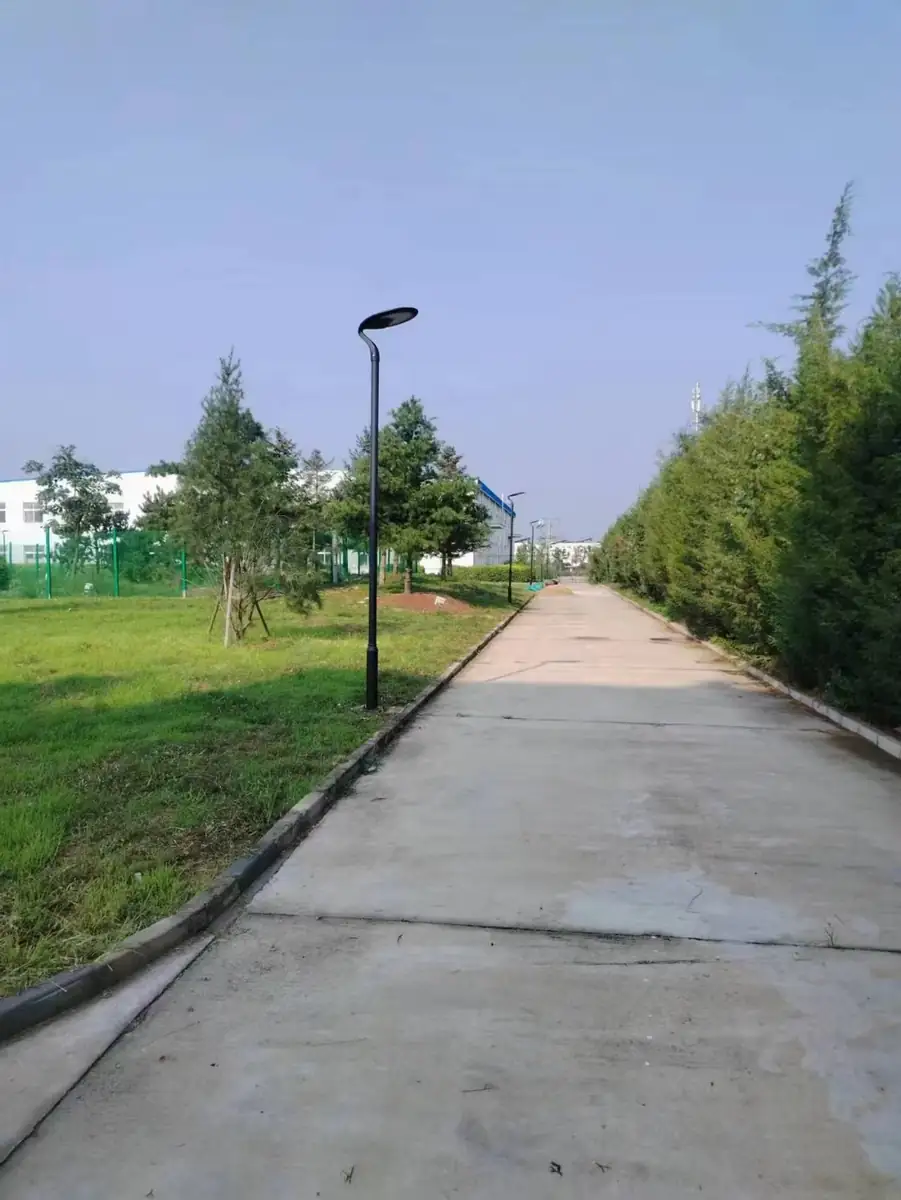
Imagine four lights of the same recorded version along a garden route. One does not turn on, while three do. This is a hypothetical troubleshooting example. Begin by checking whether all four actually use the same mode and whether the problem unit has different shade, dirt or surrounding night light.
| Check | Hypothetical finding | Useful interpretation |
|---|---|---|
| Identity | Labels show the same version | Comparison is more relevant, but not conclusive |
| Mode | Problem light has a different setting | Restore only the documented intended setting |
| Day exposure | A shrub shades that position | Record the difference before judging the battery |
| Night surroundings | Porch light reaches one sensor area | Investigate control influence using the manual |
| Visible damage | None observed externally | Internal condition is still unknown |
Suppose the documented mode is corrected and the unit begins operating. Record the change and observe the next normal cycle. Do not also move and clean the unit at the same time. If operation is still short, retain the original log and add runtime observations; the first symptom may have been resolved while another issue remains.
Do not swap sealed battery packs between units to make the comparison. A useful external comparison records different conditions; internal substitution is service work and requires the approved procedure.
Prepare a useful support request
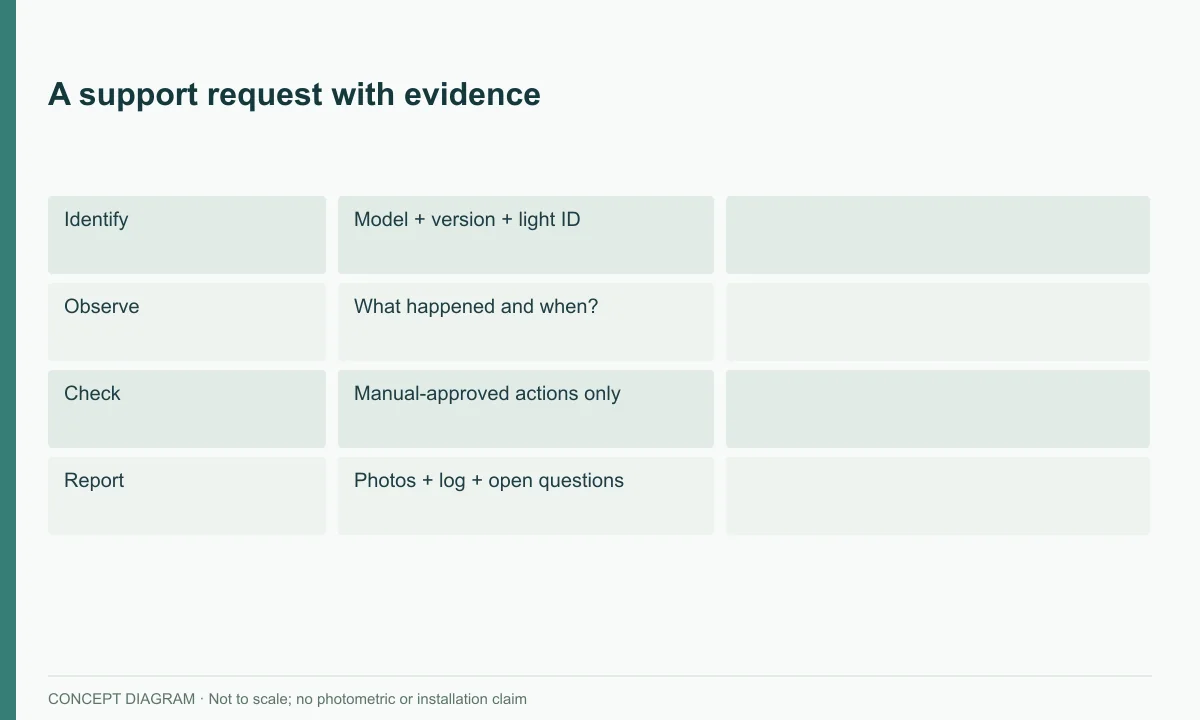
Send the full model/version, label and exterior photos, a symptom video, date/weather, operating record and the manual-approved checks already completed. Mark conclusions as “confirmed” or “still to diagnose.”
A concise support request should answer: Which unit? Where is it installed? What exactly happens and at what time? When did it last work normally? What daytime conditions preceded the problem? Which documented checks were completed, one by one? Include original files where possible and identify photographs by light ID. Avoid writing “battery problem” unless that diagnosis has actually been confirmed.
For wider context use the yard-light guide and winter-use guide.
What to send before asking for a replacement battery
Prepare a service note with the full model, version, date of purchase if known, location ID and symptoms. Attach a label photograph, a wide view of the surroundings and the exterior close-ups requested by support. Include the manual reference and the checks already performed. If a check was not safe or not authorised by the manual, say it was not performed.
Use the supplier contact page for the service request. For identifying the product family, the courtyard-light catalogue can provide context, but a catalogue photograph should not replace the label on the affected unit. The supplier needs the installed version to identify suitable instructions and parts.
A good request ends with a question that matches the evidence: “The documented setup is confirmed; the light remains off at night under these recorded conditions. What is the approved next check?” This is more useful than ordering a larger battery before the fault has been established.
FAQ
Is a new light faulty if it stays off? Not necessarily; verify model-specific setup and charging, then contact support if unresolved.
Does failure after rain prove water ingress? No; timing alone is not proof. Stop if damage is visible.
Can I fit a larger battery? Do not change voltage, chemistry or capacity without the manufacturer’s approved service specification.