


Choose the operating mode from the times when light is needed and the visibility people need between events. Dusk-to-dawn operation suits a requirement for continued nighttime lighting. Motion activation suits intermittent use where its detection and response are appropriate. Timer control suits a defined operating period. Many products combine these functions, so the decision is often about a sequence of behavior rather than one label on the box.
Before comparing solar flood lights with motion sensors versus dusk-to-dawn models, write down a simple requirement: what should happen at nightfall, when nobody is present, when somebody arrives, after the busy period, and at dawn? That short sequence reveals which features the product must support and gives you something concrete to check during setup.
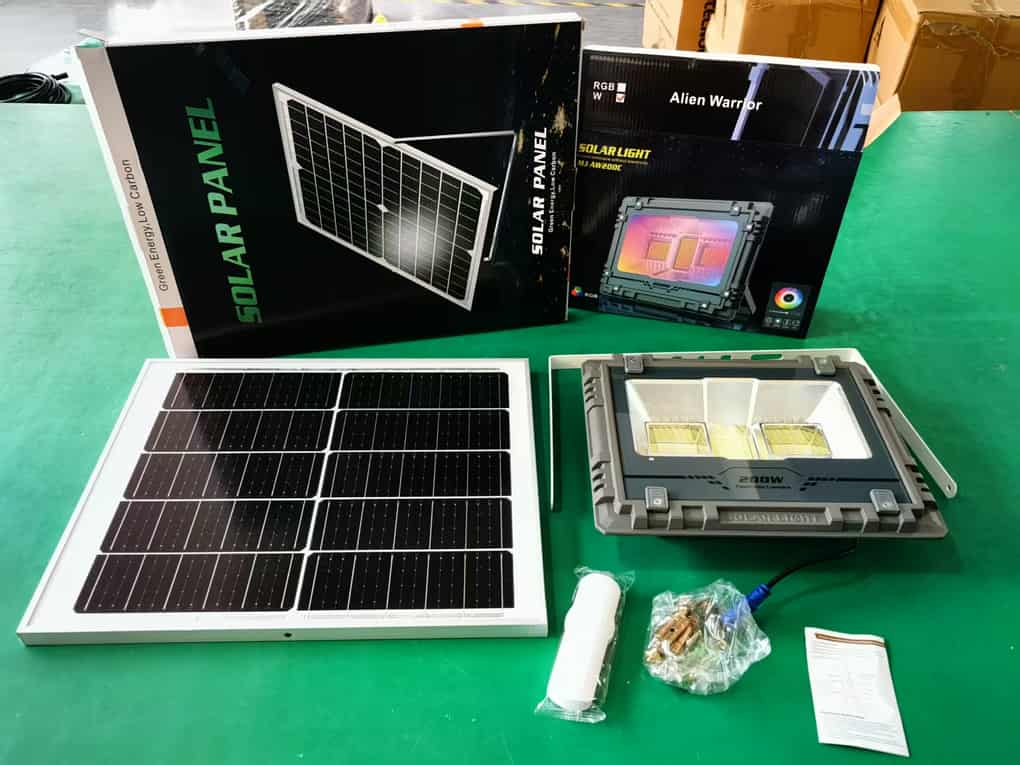
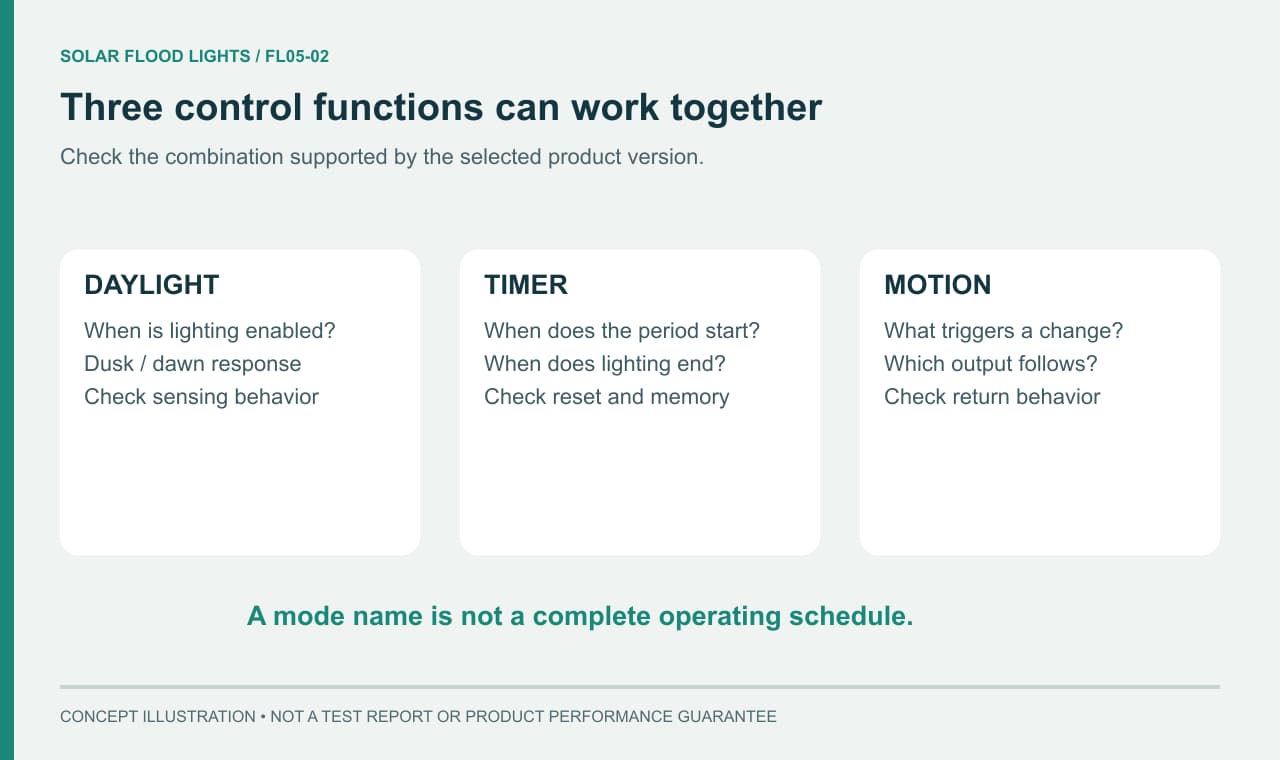
Separate Daylight Sensing, Motion Detection, and Timer Control
Daylight Sensing Determines When Lighting Is Enabled; Motion Can Trigger or Increase Output
Daylight sensing answers whether the system should permit nighttime lighting. The product may use its panel or a separate light-sensitive component for this purpose; the instructions should identify the arrangement. Automatic night operation does not mean that the light must stay at the same output until morning.
Motion detection answers what should happen when activity is detected within the sensor's effective area. Depending on the documented mode, a detection event may turn a dark lamp on or raise it from a background level. The delay before it returns to its previous state and the response to repeated activity also affect the result. Ask for this behavior explicitly instead of treating “with sensor” as a complete description.
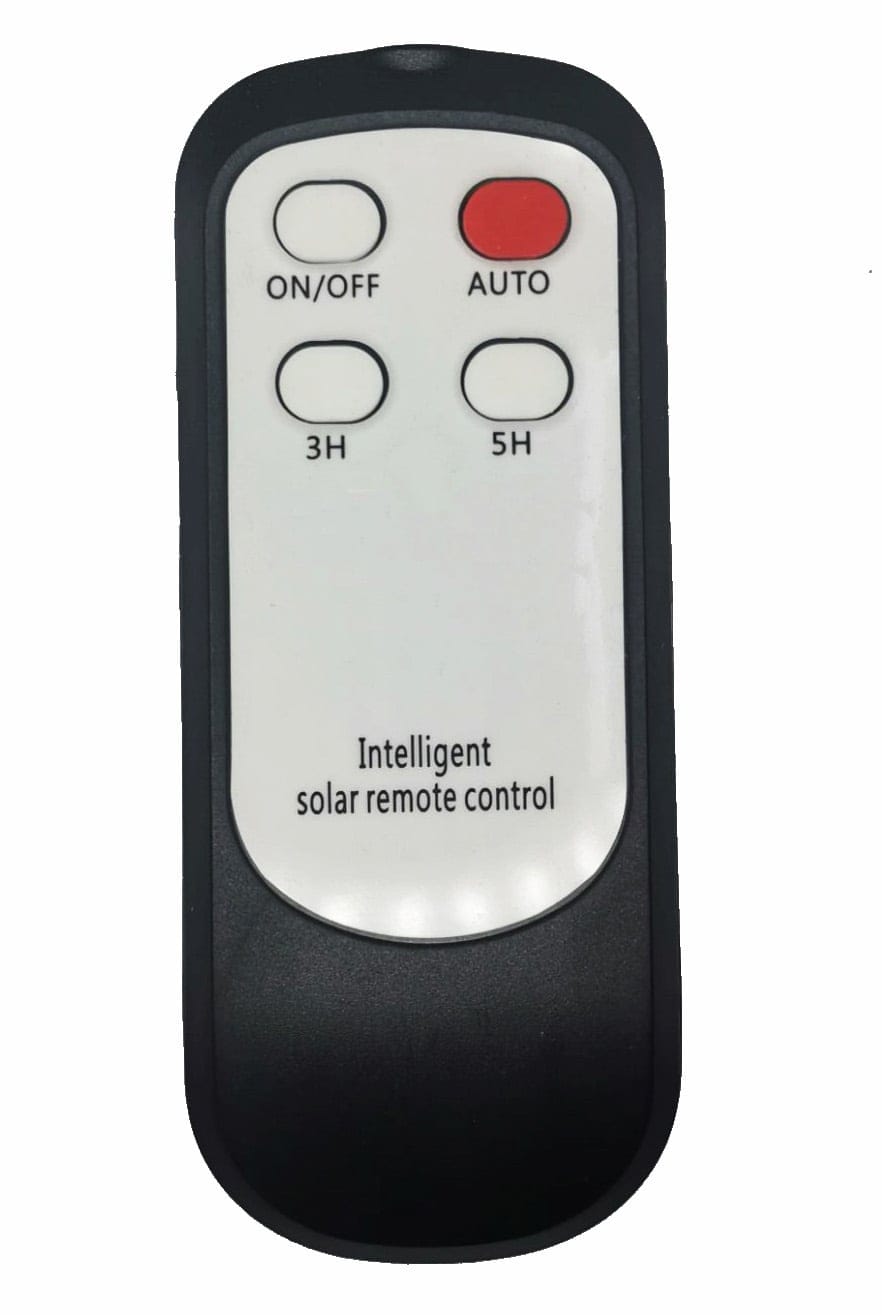
Timer control answers how long an operating period lasts or when it ends. A duration measured from nightfall is different from a clock schedule ending at a fixed local time. A remote control is simply an interface for sending commands; its presence does not establish which timing, detection, or brightness functions the controller can provide.
These Controls Can Work Together Rather Than Being Mutually Exclusive
A possible combination is automatic night enablement, a low background level, and increased output after motion. Another is illumination from nightfall for a selected duration followed by shutdown. These are examples of control patterns, not features available on every solar flood light. Confirm which combinations the selected version supports and whether choosing one setting cancels another.
The order of settings can matter. A manual command may temporarily override automatic behavior, while another command restores it. Identify the normal mode, any override, and its exit condition before commissioning. If several people use the remote, record the agreed setting so an unreported adjustment does not later look like a charging or hardware problem.
When Does All-Night Lighting Make Sense?
Applications That Need Continued Visibility
Continued lighting can be useful where people need to recognize an entrance, see a shared access area, or find a route before approaching the fixture. In these situations, the area may need to be visible before a motion sensor can detect an arriving person. Make that expectation explicit when selecting the mode.
Consider who uses the site outside its busiest hours. A delivery entrance may still receive late arrivals, and a sign may need to remain visible after a business closes. Conversely, an area that is closed and unused after a known period may not need the same schedule. Define the actual use pattern rather than defaulting to all-night output because it sounds more capable.
Where a project has formal requirements for lighting or emergency provision, confirm those separately with the responsible designer. A consumer mode label is not evidence that the light meets a required visibility level or continuity requirement. The selected product must meet both the schedule and the lighting task.
Check Whether Output Is Constant or Includes Scheduled Dimming
“Dusk to dawn” usually describes an operating window, not a guarantee of constant brightness. Request the output pattern within that window: is there a fixed level, scheduled dimming, motion-based boosting, or energy-related adjustment? Ask what happens later at night and under reduced charging, not just what happens immediately after switch-on.
Assess reduced output against the job. A lower level may be acceptable for background orientation while being unsuitable for a task requiring clearer visibility. State the minimum acceptable service in terms of what must remain visible, and use a site trial or appropriate lighting assessment to check it. The fact that an LED remains visibly lit does not prove that the area remains adequately illuminated.
When Does Motion-Activated Lighting Make Sense?
Entrances and Local Areas with Intermittent Activity
Motion activation can suit a gate, side entrance, or small local area used intermittently. The key question is whether the light responds early enough and covers the activity when it is needed. A person should not have to enter an unacceptably dark area before the intended lighting response occurs.
Choose deliberately between off-between-events and background-light-between-events behavior, if the product offers both. The former can reduce unnecessary illumination; the latter may help people locate an entrance before the brighter response. Neither is automatically better for every site, and neither replaces an assessment of actual visibility and detection.
Discuss stationary use as well as arrivals. A person may stop to find a key, wait beside a gate, or work at a location without enough movement to maintain a trigger. Check the documented hold time and whether the supported mode serves that activity. Do not assume that a motion-triggered light will stay bright for the entire time someone is present.
Check Trigger Frequency, Detection Coverage, and Installation Conditions
Detection coverage is not the same as the illuminated area. The lamp may cast light beyond the sensor's reliable response area, and the two may have different aiming constraints. Verify the sensor type, recommended mounting conditions, and detection information for the exact version. A beam-angle figure alone does not answer these questions.
Observe the real approach routes during a trial, including relevant pedestrian and vehicle approaches. Check whether nearby public movement triggers the light unnecessarily. The causes of unwanted activation depend on the sensor and surroundings, so record what happens rather than assuming that all models respond to the same objects in the same way.
Frequent triggers also change energy demand. A busy entrance can spend much more time at increased output than a quiet side gate, even with identical settings. When discussing expected runtime, describe traffic intensity and the time spent in each state. An energy-saving claim based on rare activation may not represent the actual site.
When Does Timer-Controlled Lighting Make Sense?
Business Hours, Sign Display Hours, and Fixed Use Periods
A timer can be useful for a sign that matters mainly during evening trading, an outdoor seating area that closes at a defined period, or an entrance with a limited use window. It provides a planned stopping point, helping align lighting with the hours when it serves a purpose.
Distinguish a business closing time from a duration after dusk. If a product starts a fixed-duration timer when darkness is detected, the resulting switch-off time can move as nightfall changes through the year. A shop that needs lighting until a particular clock time should verify whether the controller provides that function or whether its available durations can meet the requirement.
Also consider what happens after the main period. Does the area need no further light, a background level, or motion response for late arrivals? A product with a timer may shut off completely when the interval ends. Ask for the after-timer state instead of assuming the sensor remains active.
Confirm When Timing Starts, Available Durations, and Whether Settings Are Retained After Power Loss
To understand how to set a timer on solar flood lights, first locate the correct model's mode table. Confirm the event that starts timing, the available durations, and how to return to automatic operation. Then check whether the setting repeats on following nights and what happens after shutdown, battery depletion, or an intentional power cycle. These behaviors are controller-specific.
For example, the supplied instructions for the JD-8825L–JD-8300L family describe 3H and 5H selections that turn lighting off after the corresponding period following nighttime activation. They also distinguish manual ON/OFF commands from AUTO operation. This is a useful example of why the exact manual matters, not a universal button sequence. Use the JD solar flood light product information to identify the relevant family, then match the supplied version and instructions before applying a setting.
Do not test settings retention by deliberately exhausting the battery or repeatedly interrupting the unit. Use the documented behavior and observe the next normal cycle. If retention is essential for an unattended site, obtain written confirmation and include it in acceptance checks.
Match the Mode Combination to the Application
Compare modes by their service pattern and the conditions they require. The following table describes options to investigate; it does not imply that every product offers every combination.
| Mode or combination | Potential application | Features to verify | Energy and lighting trade-offs |
|---|---|---|---|
| Night-enabled continued lighting | Entrances or shared areas needing ongoing visibility | Output schedule, later-night behavior, seasonal support | Provides continuing light, with demand tied to level and duration |
| Night-enabled motion-only lighting | Intermittently used local access | Detection area, response, hold time, repeat triggers | Can reduce on-time, but leaves the area dark between events |
| Background lighting with motion boost | Entrances needing both orientation and arrival lighting | Background output, boost level, return behavior | Maintains some visibility while demand varies with activity |
| Night-enabled timed lighting | Signs or areas with limited evening use | Timer start, durations, repeat behavior, final state | Limits the operating period but may not match a fixed closing time |
| Timed main lighting followed by another state | Sites with busy and quiet periods | Explicit support for the complete sequence | Can fit changing needs, but must be verified as a supported combination |
Use the table to write a plain-language specification. For example: “The entrance should remain visible from nightfall, become brighter for arrivals, and continue providing orientation after the busy period.” The supplier can then confirm whether a particular version supports that sequence and what exposure and activity assumptions accompany its expected performance.
Match maintenance arrangements to the choice as well. A setting that must be changed seasonally needs an accessible control method and a person responsible for doing it. A remote kept in an unknown drawer is not a workable operating plan for several fixtures across a site. Keep the final settings record with the product identification and routine maintenance information.
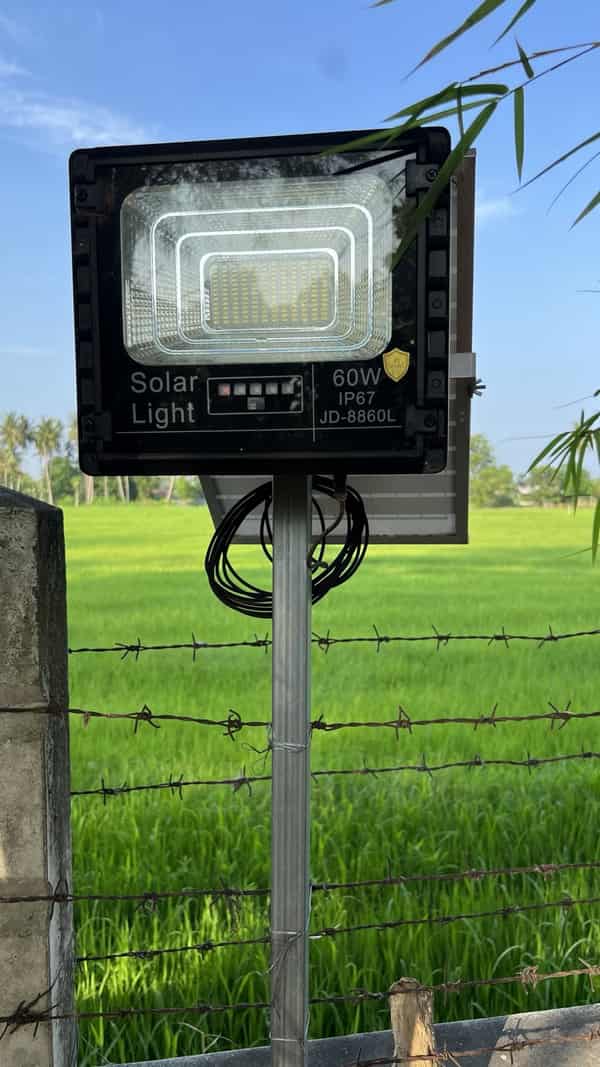
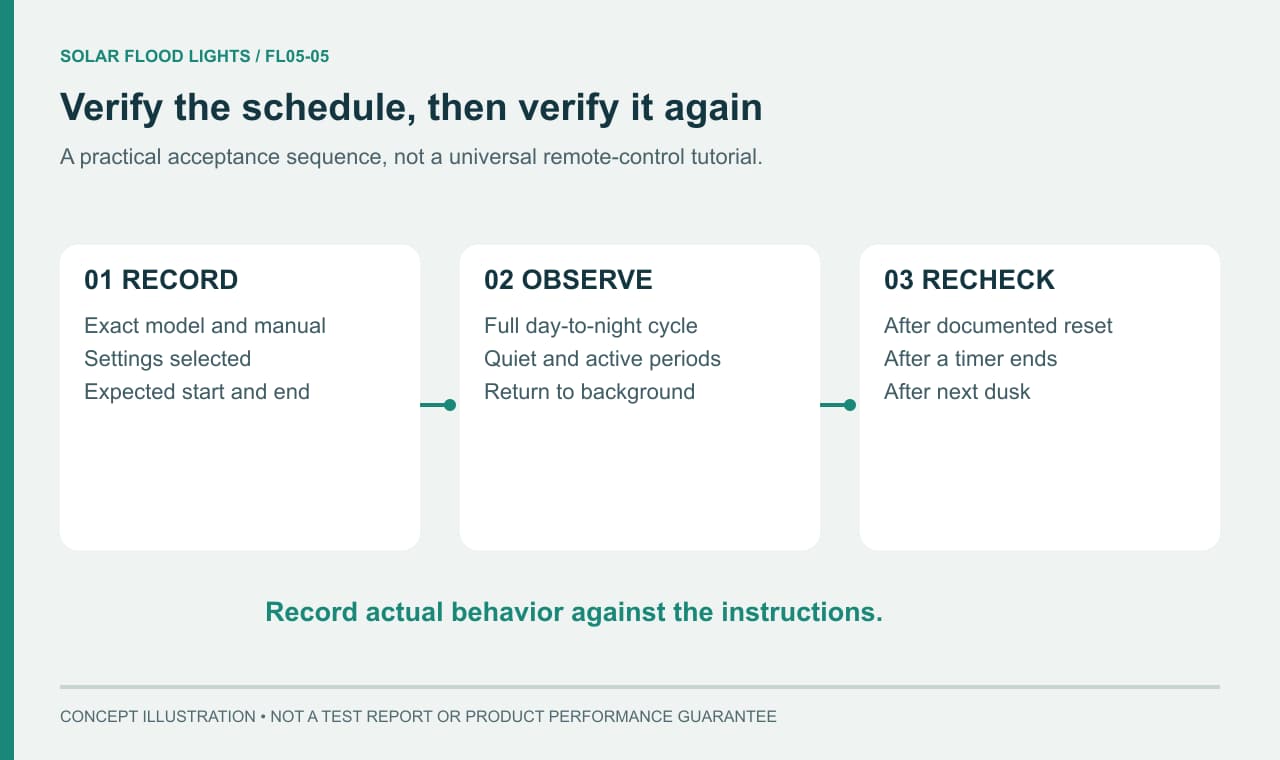
Check That the Light Follows the Intended Schedule
Use the Exact Model's Instructions and Record the Selected Mode
For solar flood light remote control setup, compare the remote shown in the instructions with the one supplied, including its labels and version. Similar housings can contain different controllers. The provided MJ-AW/AWC instructions, for example, show different remotes for standard and RGB versions; their timer choices are not identical. A tutorial for a visually similar unit may therefore select the wrong behavior.
Record the model, relevant version, selected mode, brightness setting where supported, timer choice, and any motion settings. Note who made the change and when. Follow the manufacturer's first-use requirements before evaluating the result, since an incomplete initial charge can complicate the observation.
If the product does not clearly acknowledge a command, use only the confirmation method described in its instructions. Do not infer success from pressing a key. Where more than one fixture is nearby, check which unit received the command and that the intended settings have not inadvertently changed elsewhere.
Observe a Complete Operating Cycle
A useful check follows the actual transitions, rather than ending when the light first turns on. Record the following during a normal cycle:
- What happens at nightfall, including the selected starting level.
- How the light behaves with no detected activity.
- Whether relevant approaches produce the intended response and how it returns afterward.
- What happens at the timer endpoint or scheduled dimming transition.
- The later-night behavior and the response at dawn, if the chosen schedule includes those periods.
- Whether the same intended mode resumes on the next normal night.
Compare the record with the agreed requirement and the product's documented behavior. If a supported setting behaves differently, preserve the observations and contact support with the model and settings. Repeatedly changing every option makes the pattern harder to understand. Persistent faults need separate diagnosis; this mode check should establish what the light was instructed to do and what it actually did.
For a shop entrance or small trading yard, write down opening and closing hours as well as the period when staff still need safe access. If the intended schedule changes after a power cut or a temporary business closure, confirm the settings again using the model's instructions. A supported dusk-based timer may suit an approximate evening period, but a fixed closing time requires confirmation of the controller's actual scheduling capability.
Frequently Asked Questions
Can a Light Without a Motion Sensor Operate from Dusk to Dawn?
Yes, if its controller supports automatic night operation and its energy supply supports the selected schedule. Daylight sensing and motion detection have different roles. A light does not need motion detection merely to switch on at night, but the exact output pattern still needs checking.
Can Solar Flood Lights Switch Off at a Shop's Closing Time?
Only if the selected controller supports a schedule that matches that requirement. A timer counting from dusk can switch off at different clock times as sunset changes; it is not automatically a clock-based scheduler. Verify the start condition, duration, setting retention, and next-night behavior. Test the actual closing-time requirement before relying on a timer label alone.
Do Remote-Control Mode Names Mean the Same Thing Across Brands?
No. Labels such as AUTO or MODE do not establish a standardized schedule. Even versions within one product family may use different controls. To learn how to use a solar flood light remote control, match the exact instructions, select the required behavior, and verify it over a normal operating cycle.
How Do I Set a Timer on a Solar Flood Light?
Use the instructions for the supplied remote and controller to identify the timer duration and what starts the countdown. Check whether the light returns to automatic operation afterward and whether the setting repeats on later nights. A duration after dusk is not the same as a fixed clock-time schedule. There is no universal button sequence for all solar flood lights.
Can I Turn Off the Motion Sensor and Keep a Solar Flood Light On?
Only if the exact model offers a suitable non-motion operating mode. Some configurations use scheduled background lighting; others rely on motion-triggered operation. Confirm the available mode and its output pattern before ordering. Selecting a constant-light mode does not prove that the panel and battery can sustain the required brightness for the whole night.
Will a Solar Flood Light Remember Its Timer Setting After Being Switched Off?
Setting retention depends on the controller and version. Ask what happens after manual switch-off, low-battery shutdown, a reset, and the next day-night cycle; those events may not have identical effects. Record the accepted configuration and verify the relevant sequence with the supplied instructions. Do not assume that a timer selected once will remain active indefinitely.