

If your solar flood light is not working, first identify the exact symptom and check for visible damage. If the product appears intact, compare its behavior with the correct manual, review the selected mode, and check recent sunlight and external installation conditions. A light that is dim or turning off early does not automatically have a failed battery.
The checks below stay outside the product and within the manufacturer’s instructions. Their purpose is to separate normal control behavior, a possible charging shortfall, and an issue that needs after-sales assessment. They are not a battery-repair procedure. Stop when the evidence points beyond a permitted external check.
Record the Symptom and Decide Whether to Stop Using the Light
No Light, Gradual Dimming, Early Shutdown, Flashing, or Daytime Operation?
Describe what happens before changing settings. “Not working” might mean the lamp never comes on, the remote has no apparent effect, brightness drops after a while, or the light switches off before morning. Record when the behavior begins, whether it repeats, and whether any external indicator changes at the same time.
Compare the current behavior with the last known normal operation. Note whether the issue began after installation, a setting change, several cloudy days, a storm, or relocation. A short dated video showing the symptom and the surroundings is often more useful than repeatedly pressing buttons. It also preserves evidence before a setting change makes the problem harder to reproduce.
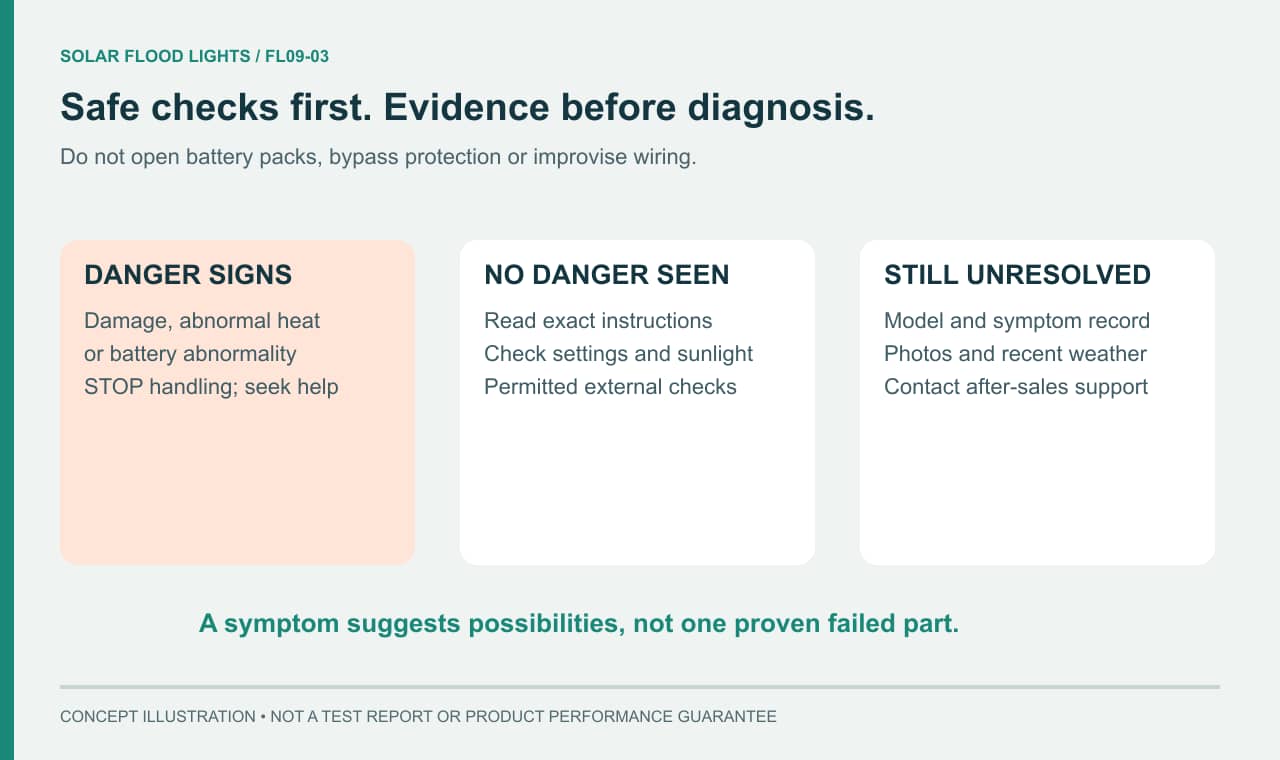
Stop Handling the Product and Contact the Supplier if There Is Obvious Damage, Abnormal Heat, or a Battery Abnormality
Do not continue troubleshooting a product with a swollen enclosure, leakage, scorching, damaged wiring, or other obvious damage. Do not touch it to test how hot it is, open it, or reconnect a visibly damaged connector. Keep people clear and contact the supplier for the appropriate next step. If smoke or fire is present, move away and contact local emergency services.
Water visible inside the housing, an unusual smell, or a loose lamp or panel after severe weather also warrants stopping routine checks. Avoid climbing to inspect unstable equipment. Photographs taken from a safe position can help support assess the problem without exposing you to damaged parts or an unsafe mounting point.
What Should You Check if a Newly Installed Light Will Not Turn On?
Verify Switches, First-Use Steps, Mode Settings, and Required Charging Conditions Against the Manual
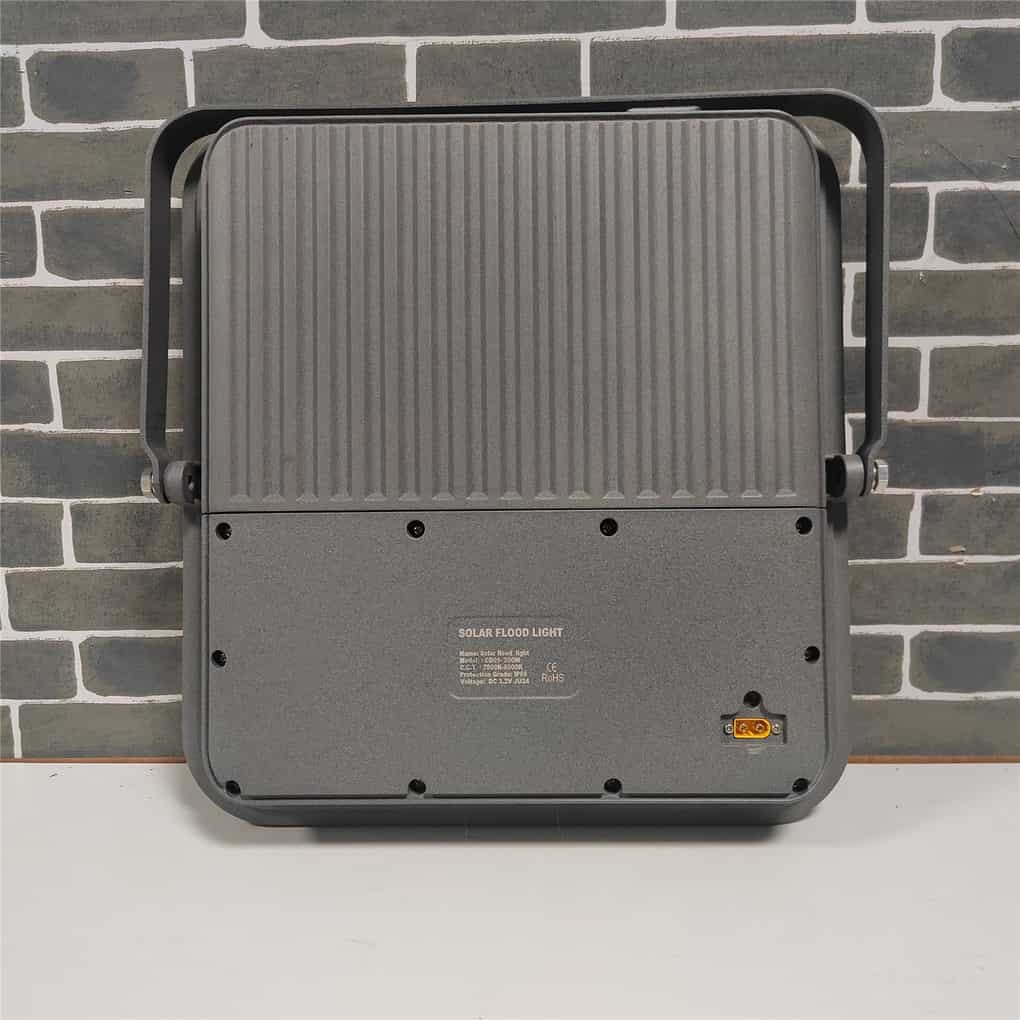
Find the model and version on the label, packaging, or purchase record. Match these to the supplied instructions; products with similar housings can use different controls. If you need to identify a JD purchase, the JD solar flood light product page is a starting point for the product inquiry. Send the label photograph to support to confirm the correct instructions rather than selecting a manual from appearance alone.
Follow the documented first-use sequence, including the switch state required for charging and the initial charging conditions. There is no universal charging duration or switch position that applies to every solar flood light. Check any documented transport or first-use setting, and use only the supplied or explicitly approved control method.
Test the expected behavior at the time and in the mode described by the manual. A daylight-controlled lamp remaining off during the day may be behaving normally. If a manual provides a permitted daytime test, follow that procedure exactly; otherwise observe the unit after dark. Do not disconnect the panel or cover sensors as a generic workaround.
Perform Only External Checks Allowed by the Instructions
From a safe location, check whether the panel is shaded, the cable is visibly trapped or cut, and accessible external connections appear correctly assembled. An external connection check does not mean separating plugs, probing terminals, or forcing a connector. Only carry out a user connection step if the exact manual allows it and the parts are undamaged.
For a remote-controlled model, check the permitted remote battery type, orientation, operating range, and aiming instructions. Remove a transport tab only if one is present and the instructions call for it. A remote that cannot control the lamp and a lamp that cannot illuminate are not necessarily the same problem. Record whether the lamp responds through any other documented user control.
Is Dimming or Early Shutdown a Setting or a Problem?
Compare the Behavior with the Normal Dimming Schedule, Timer, and Motion Mode
Read the active mode before judging the result. Some products reduce brightness in stages, stop after a timer period, or brighten only after motion. A change that happens predictably at the programmed point may be normal. It becomes a different issue if the behavior does not match the selected mode or the manual’s description.
For example, the supplied JD-8825L–JD-8300L instruction sheet describes 3H and 5H settings as timed shutdown after the light starts at night. The same sheet explains that ON/OFF control cancels light control and AUTO restores automatic nighttime operation. These instructions apply to that documented version; they are not a button sequence for every solar lamp.
Record the existing setting before making a documented change, then observe the result. Avoid cycling through several modes at once. If the problem disappears, you need to know which change affected it. If a required setting does not persist or the behavior remains inconsistent, include that information in the support request.
Review Recent Sunlight, Shade, Panel Cleanliness, and Changes in Use
If operation shortens after several poor charging days, inspect the charging conditions before concluding that the battery has failed. Note building or tree shade, leaves, dirt, and any recent change in panel position. A location that worked in one season may receive less useful sunlight in another.
Clean only an accessible panel using the method allowed by the manual, with the equipment in the instructed condition. Do not use abrasives, pressure washing, or liquids at connectors. If access requires unsafe climbing or the mounting is unstable, arrange suitable assistance instead of attempting the check yourself.
Also record changes in demand: a longer timer, brighter mode, more frequent motion activation, or heavier camera use on an equipped model. After completing permitted checks, observe the product through the manual’s recommended charging and operating sequence. Charging opportunity is not proof that energy actually entered the battery, so persistent failure still needs assessment.
For a complaint that begins during a wet or dusty period, add the recent weather, visible panel condition, and any safely observed damage to the symptom record. Correlation with rain does not prove water ingress, and correlation with dust does not identify a failed battery. Do not open the enclosure or force a suspect wet connection to diagnose it. Ask support to specify the permitted external checks and whether an approved local service route is available.
How Can You Narrow Down Flashing, False Triggers, or Daytime Lighting?
Record When It Happens, the Surroundings, and the Active Mode
A solar flood light flashing on and off can have more than one explanation. Record whether it happens near dusk, after long operation, immediately after a command, or throughout the night. Note whether the flashing follows a repeated pattern and whether it is the main light or a separate indicator. A video with these details helps support distinguish a control response from unstable operation.
For apparent false motion triggers, record what moves through or near the observed area, the weather, and the selected mode. Follow the model’s instructions for detection-zone adjustment if one is provided. Do not assume every unwanted activation has the same sensor cause, or disable intended protection to suppress the symptom.
If you are asking, “Why does my solar flood light stay on during the day?”, check the documented control mode and the conditions around the device’s actual daylight-sensing component. Different designs may determine day and night differently. Note any recent manual override or changed surroundings, but do not assume the sensing component is in a particular location without the instructions.
Check Model Instructions Before Drawing a Conclusion
Look up the meaning of an indicator or flash pattern only in the matching documentation. A pattern used by one product may mean something different on another. Do not interpret a brief flash as proof of low charge or a failed battery unless the correct instructions identify it that way.
If a reset procedure is documented, record the current settings and evidence first, then follow it only as directed. Repeated resets without a clear purpose can erase useful observations or settings. When the symptom persists after the permitted checks, send the evidence to support instead of attempting increasingly invasive tests.
Which Issues Should Be Referred to After-Sales Support?
Connector, Battery, or Internal-Component Problems Need Supplier Assessment
Contact after-sales support when an intact product remains unresponsive after the correct first-use process, repeatedly loses operation despite suitable charging opportunities, or shows behavior that does not match the documented controls. Visible connector damage, internal moisture, suspected battery trouble, and internal electronic faults also need supplier assessment.
The following solar flood light troubleshooting table helps organize observations. Its cause categories are possibilities to investigate, not diagnoses.
| Symptom | Possible cause category | Permitted external checks | When to stop and contact support |
|---|---|---|---|
| Newly installed light not turning on | First-use sequence, selected mode, charging conditions, component problem | Identify version; follow manual; observe at intended operating time | Correct documented sequence produces no expected response |
| Dim or turning off early | Dimming/timer mode, recent energy shortfall, increased use, component deterioration | Compare settings and timing; review shade and recent weather | Unexpected pattern persists after permitted checks |
| Suspected solar flood light not charging | Shade, dirt, installation condition, connection or internal problem | Observe panel exposure and exterior; interpret only documented indicators | Damage is visible or operation fails to recover as documented |
| Flashing on and off | Control indication, sensing conditions, power or component issue | Record pattern, timing, mode, and surroundings | Unexplained flashing continues or accompanies abnormal behavior |
| Daytime operation or unwanted triggers | Override/mode, sensing conditions, installation or component issue | Check documented settings and detection/sensing surroundings | Behavior remains inconsistent with instructions |
Battery Replacement Depends on the Model, Compatible Specifications, and Service Requirements
Can you replace the battery in a solar flood light? Some models may provide an approved service route, but that does not make all batteries user-replaceable. Ask whether the supplier authorizes owner replacement, a service technician, a replacement assembly, or another remedy for the exact version.
Compatibility involves more than capacity or physical size. The supplier needs to confirm the appropriate battery chemistry, voltage, protection, connections, charging compatibility, and service procedure. Do not open a battery pack, substitute an unapproved cell assembly, short terminals, bypass protection, or connect the product to mains power as a charging test. Ask how an approved repair maintains enclosure sealing and what to do with the removed battery under local collection requirements.
What Information Should You Send to Support?
Send one clear record that lets support understand the product and reproduce the sequence of events. Avoid sending only “the light is broken” or an isolated screenshot with no timing or settings.
- Identity: model, version, label photographs, purchase reference, and installation date.
- Installation: photographs of the lamp, panel, accessible cable route, mounting surroundings, and any visible damage, taken safely.
- Settings: active mode, timer or brightness choices, relevant camera settings, and recent changes.
- Timeline: the last normal operation, when the problem began, time of day, duration, and whether it repeats.
- Charging context: recent weather, observed shading, panel cleanliness, and any relocation or obstruction.
- Evidence: a short symptom video, documented indicator behavior, and the results of permitted checks already completed.
Ask support to identify the next approved action, any further evidence needed, and the repair or warranty process that applies to your purchase. If a proposed instruction would require opening the housing, handling a battery, or working at height, clarify who is authorized and equipped to do it before proceeding. Keep the response with the product record so the same unsuccessful checks are not repeated without reason.
Frequently Asked Questions
What Should I Do if the Light Still Does Not Turn On After Charging?
Check that the first-use sequence, charging conditions, and test mode match the correct manual. If the product is intact and still gives no expected response, contact support with the label, settings, and observations. Time spent in daylight alone does not confirm successful charging or identify the failed part.
Why Do Solar Flood Lights Turn Off Early During the Rainy Season?
Reduced charging over successive cloudy days is one possibility, but a timer, planned dimming, increased motion activity, or a fault may produce a similar complaint. Compare the mode and useful output with recent panel exposure and weather. A rainy-season change is not proof of a failed battery. Stop handling a damaged or abnormally hot unit and seek support rather than opening it.
Can a Local Technician Replace a Solar Flood Light Battery?
Only through the service route approved for the exact model, using the confirmed compatible replacement assembly and qualified personnel where required. Ask the supplier who may perform the work, how enclosure protection is restored and checked, and which records are needed. A local technician’s availability or a similar battery label alone does not establish compatibility or permission to open the product.
How Long Do Solar Flood Lights Last?
There is no single reliable lifespan for every complete product. Battery condition, charging and operating patterns, temperature exposure, enclosure condition, installation, and available service all matter. Keep a record of changes in useful operation and ask for model-specific service and warranty terms. A quoted LED life is not automatically the service life of the battery or the complete light.
Why Is My Solar Flood Light Flashing or Blinking?
First distinguish a status indicator from the main lamp flashing, then compare the pattern with the exact manual. Possible explanations include an indicated state, a selected mode, insufficient available energy, or a fault; the symptom alone cannot identify the cause. Record when it occurs and recent charging conditions. Stop handling a damaged or abnormally hot unit and contact support.
How Do I Reset a Solar Flood Light?
Use only a reset procedure documented for the exact model and control version. Save the current settings and symptom record first, because a reset may change settings or remove useful observations. Switching the light off and on is not necessarily a factory reset. If the instructions do not specify a procedure, request it from support rather than trying random button combinations.
Why Does My Solar Flood Light Stay On During the Day?
Check whether manual operation, a test mode, or local shading of the light-sensing arrangement explains the behavior for that model. Review the instructions before treating daytime lighting as a defective sensor. Record the selected mode and surrounding conditions; if the documented automatic sequence still does not occur after permitted checks, send that evidence to support.